

 
|

|
Reports
There are a number of reports in the Inventory module. This section lists a few important reports related to requests/indents of items. The reports screen can be accessed from the main menu.
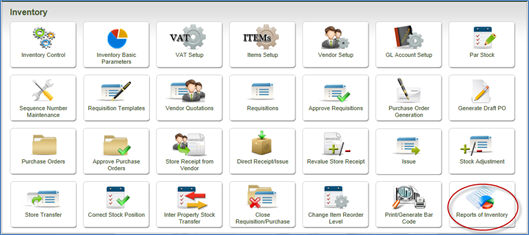
The following screen is loaded, in which the reports are listed within different headings. Clicking the + sign against each node will expand and list the names of the reports within each heading. The report parameters for each report are displayed on the right half of the screen.
The consumption related reports can be found within the Transaction Reports and Consumption Reports.
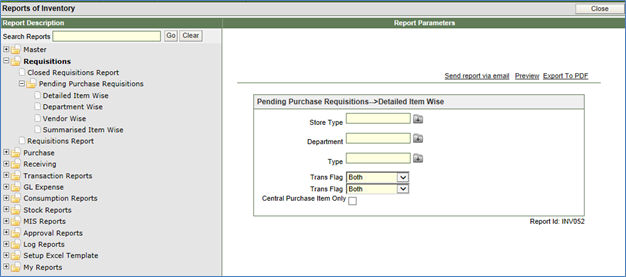
Specific reports can also be located by typing the name of the report in the section – Search Reports and clicking the GO button next to the field.
Some of the sample requisitions reports are:
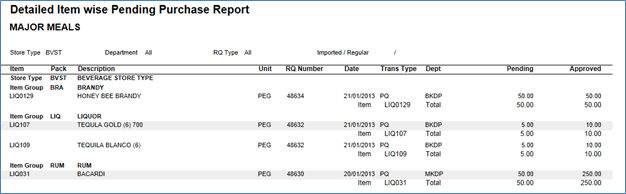
|
The report can be printed - Item Wise - Department wise - Vendor wise |
Requisition Report
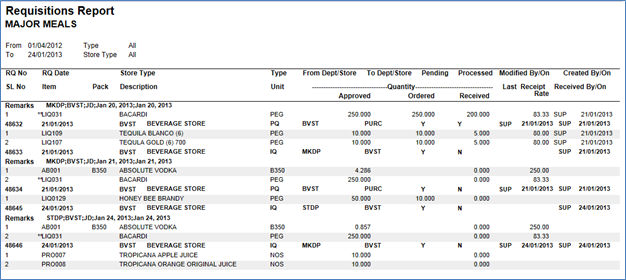
This report can be generated for a specific or all types of requisitions recorded in the system.
Closed Requisitions Report
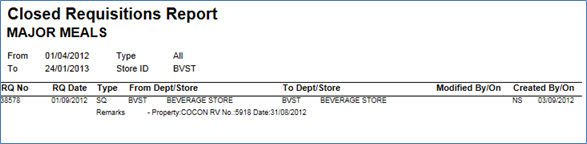
This report lists all the requisitions/indents that have been closed intentionally thru manual intervention using the Close Requisition/Purchase screen.
